
ex nihilo
A dot‑matrix launcher for Android
The same language on the phone: the wallpaper set into a black frame, a clock made of LEDs and a drawer that grows out of the frame. No ads, no tracking and no internet permission.
The frame grows
The screen is black and the wallpaper is a rounded card set into it: the desktop's frame, on a phone. The status bar and the gesture bar sit on the frame. Swipe up and the card's bottom edge follows your finger until everything is frame. That is the drawer, and its content switches on at the end, like LEDs.
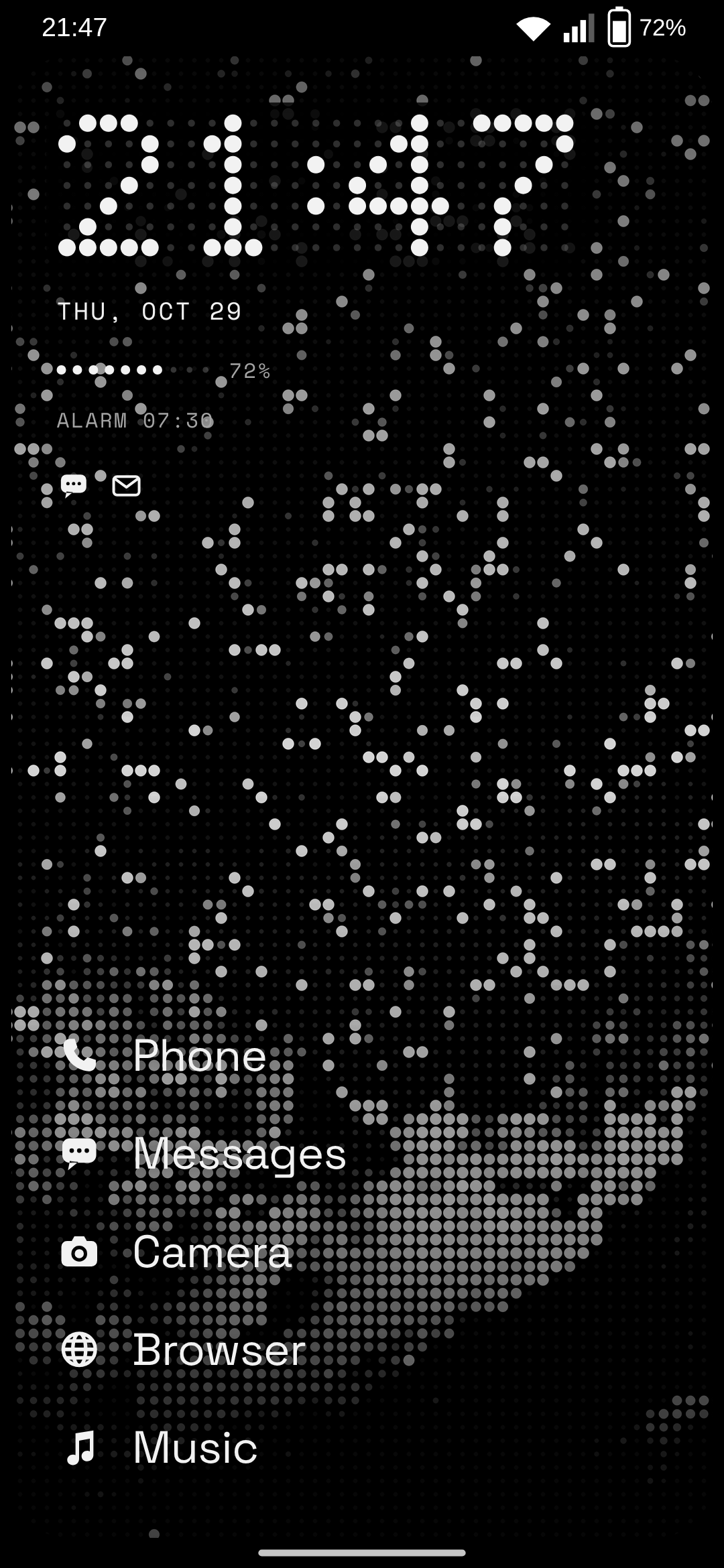
A clock made of LEDs
A 25 × 7 panel where every LED is there, the unlit ones faintly. When the minute changes it refreshes column by column, like the one above.
Red only to interrupt
The battery is ten LEDs. They turn red at 15 % when it isn't charging; a call or an alarm is the only other red on the screen.
Light on the frame
With notification access, a run of LEDs goes round the frame for every notification: twice and in red for a call or an alarm, up from the bottom when the charger goes in.
One field
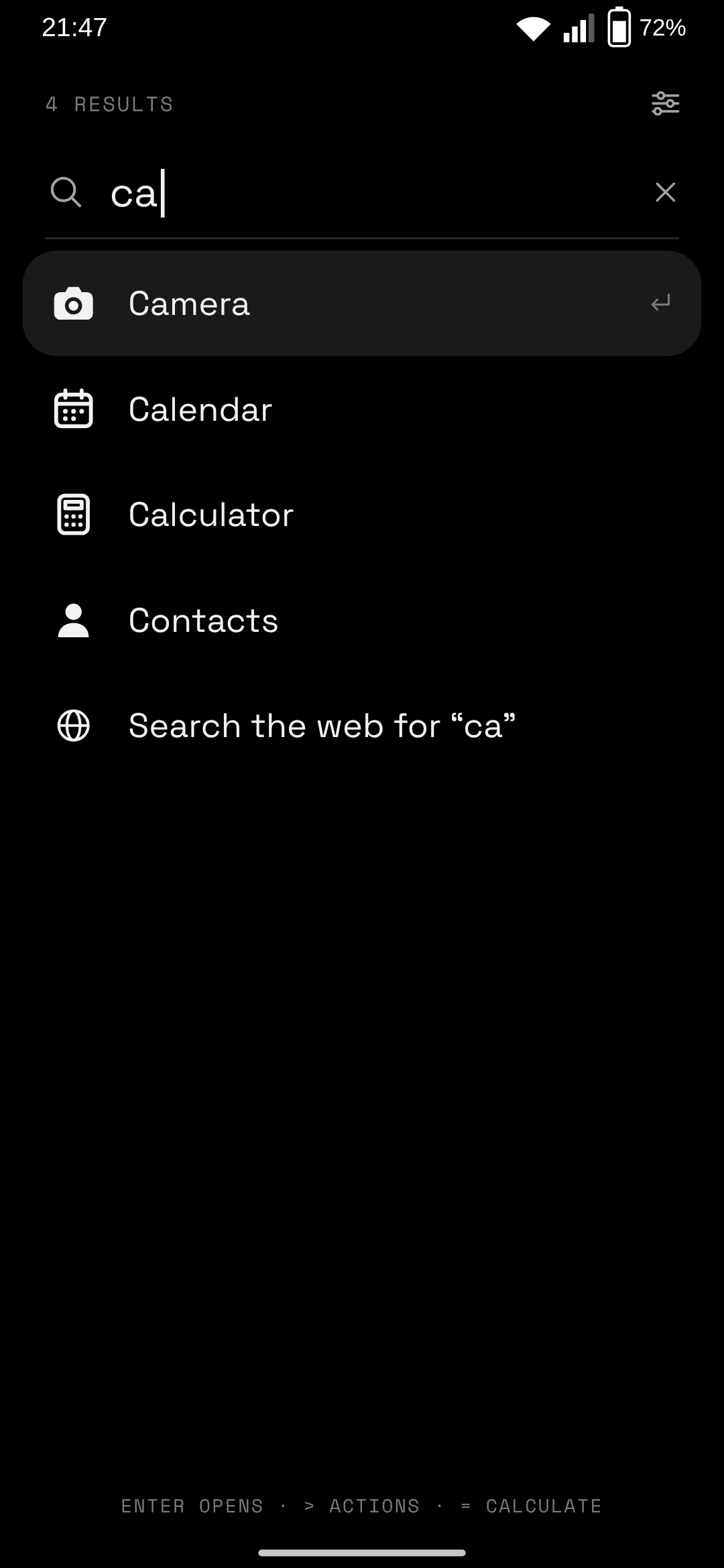
Apps, actions and sums share a single search. Accents and case don't matter, package names count, and enter runs the first result.
- camarafinds Cámara;
settingsfinds Ajustes, by its package name. - >lists the actions: torch, the Wi‑Fi and sound panels, Bluetooth, battery, alarms, lock, the wallpaper studio and the settings. They also turn up in normal search:
linis the torch. - =is the calculator:
+ − × ÷ ^ % !,sqrt sin cos ln log,pi,2pi,3(4+1). A sum like12*7is recognised without it, and enter copies the result. - no matchoffers a web search, in your own browser.
Gestures
| On the home screen | Does |
|---|---|
| Swipe up | The drawer, following your finger |
| Swipe down | The notification shade |
| Double tap | Locks the phone (optional) |
| Hold empty space | Wallpaper and settings |
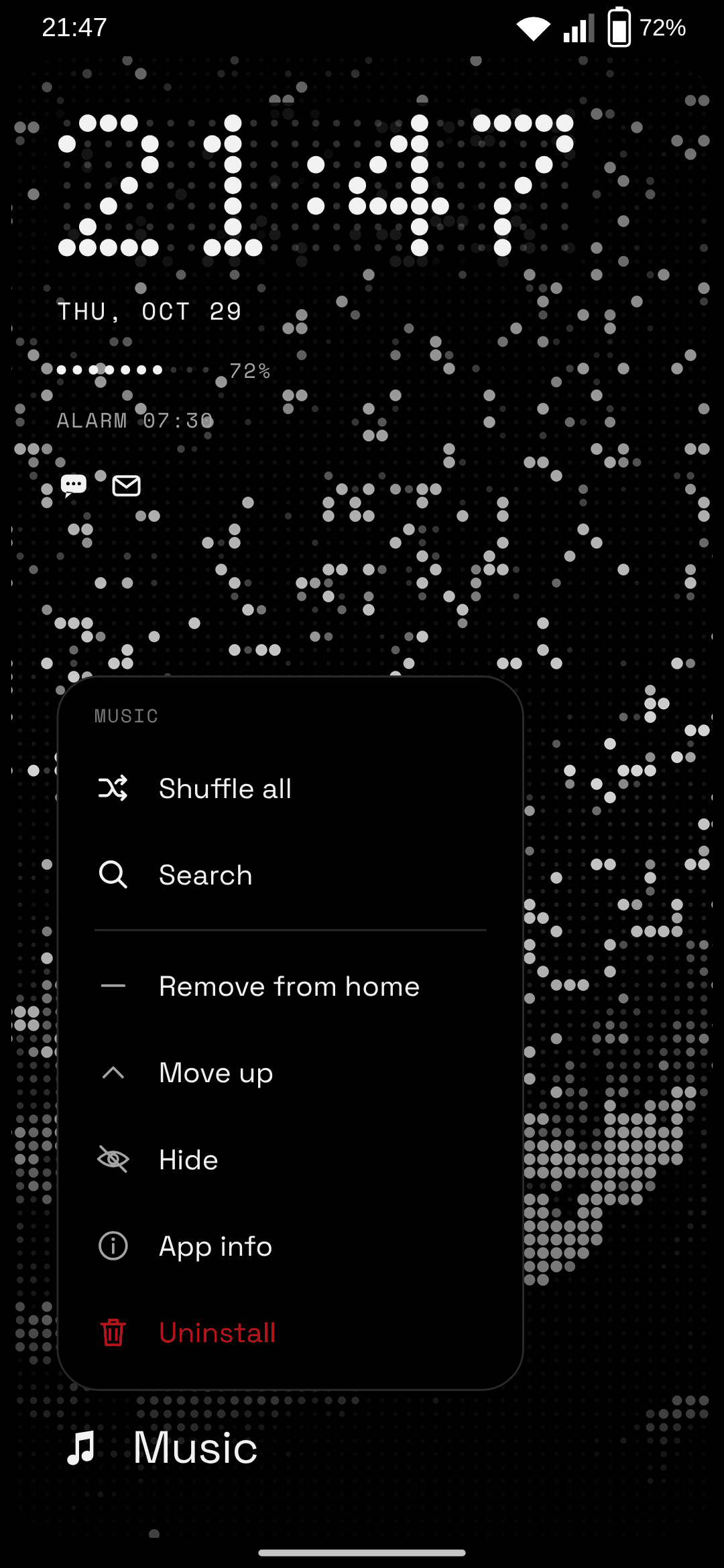
| Hold an app | Its shortcuts; add to home, move, hide, info, uninstall |
| Home button | Closes whatever is open |
Photos become LEDs
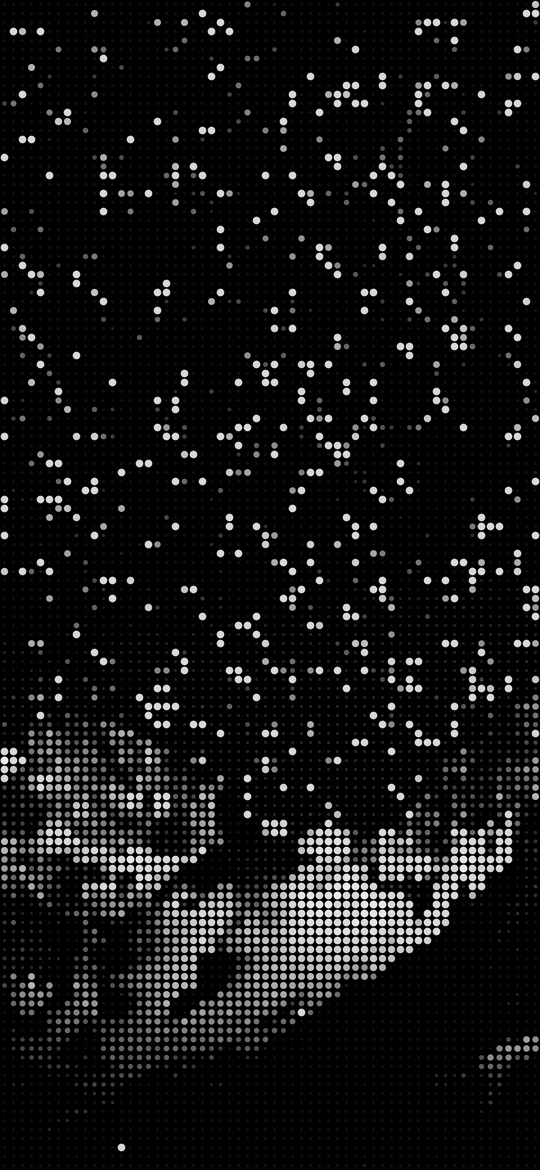
The wallpaper studio turns a photo into an LED matrix at the exact resolution of the screen, with the same algorithm as the desktop's wallpapers: the light of each cell, the black point raised so a night sky stays off, single highlights lit as stars.
Fine, normal or coarse dots; the home screen, the lock screen or both. It all happens on the phone: the photo goes nowhere.
Nothing leaves the phone
NIHIL doesn't ask for the internet permission, so it couldn't send anything anywhere even if it wanted to. No ads, no analytics, no account.
| Permission | What for |
|---|---|
SET_ | The studio |
EXPAND_ | Swipe down for the notifications |
REQUEST_ | “Uninstall” in the app menu |
| Notification access | The light on the frame and the unread icons. NIHIL looks at which app posted, the flags and the category, never the text. Silent notifications and anything Do Not Disturb holds back stay dark. |
| Accessibility | Only to lock the phone on a double tap. It reads nothing on the screen. |
Install
Made for and tested on a Galaxy A35. Any phone with Android 12 or newer should work, but that is the only one it has run on so far.
-
Download the APK
From the latest release. The
.sha256next to it lets you check the download. -
Install it
Open it on the phone and let your browser or file manager install apps when Android asks.
-
Make it your home screen
Open NIHIL from the app list and tap Home app. The light on the frame and the double tap are off until you turn them on there; if Android calls them a restricted setting, App info → ⋮ → Allow restricted settings.
From source
JDK 17 and the Android SDK, or the Nix shell in the repository, with the phone on USB or wireless debugging.
git clone https://github.com/poligle/Nihil-Launcher nihil-launcher
cd nihil-launcher
nix develop
./gradlew installDebug
The phone at the top of this page is drawn by the page itself, with the launcher's LED digits; the three screens are renders of the launcher's own layout at a Galaxy A35's resolution, with generic app icons.